Use cases · Products and e-commerce
AI product videos, with no studio or shoot
A coffee maker in the morning, trainers on a mountain, a serum before bed. Utopia puts your product in the moment that sells it, with sound and music, in the formats of your shop and your social media, and lets you try several versions without setting up a shoot.
What you can do
Your product as the reference
Upload a photo of the product and the app uses it as a reference in every picture and every shot.
Settings you couldn't film
A beach at dawn, a 1950s kitchen or a snowy mountain, with real light and sound.
Vertical and landscape
15 to 30-second pieces for social media and longer videos for the product page.
A/B tests without a shoot
Another call to action, another audience or another cut, reusing the approved shots.
How it's made
- Upload the photo of the product and describe the moment you want to show.
- The app writes the script and draws the storyboard with your product; you adjust it in your own words.
- Each shot is tried as a cheap draft before final quality.
- Export the vertical and the landscape versions, or upload straight to YouTube.
Made with Utopia
Product videos from the Library made with Utopia, with made-up brands.
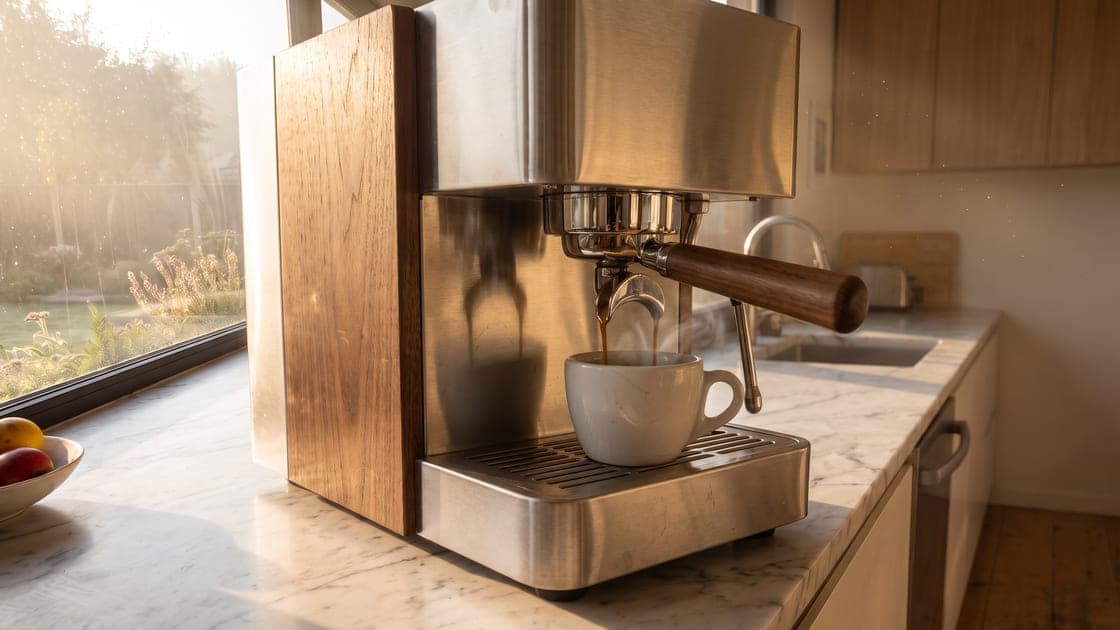
MOKKA · CafeteraProduct advert · 0:21 · In Spanish, with English subtitles
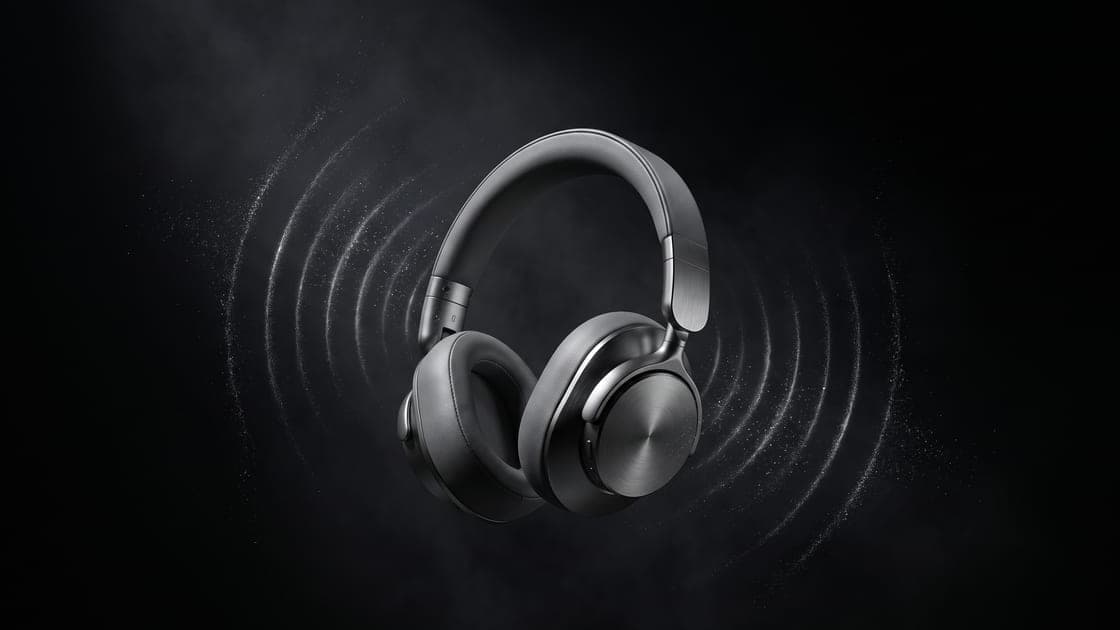
KAIRO Air · AuricularesProduct advert · 0:20 · In Spanish, with English subtitles
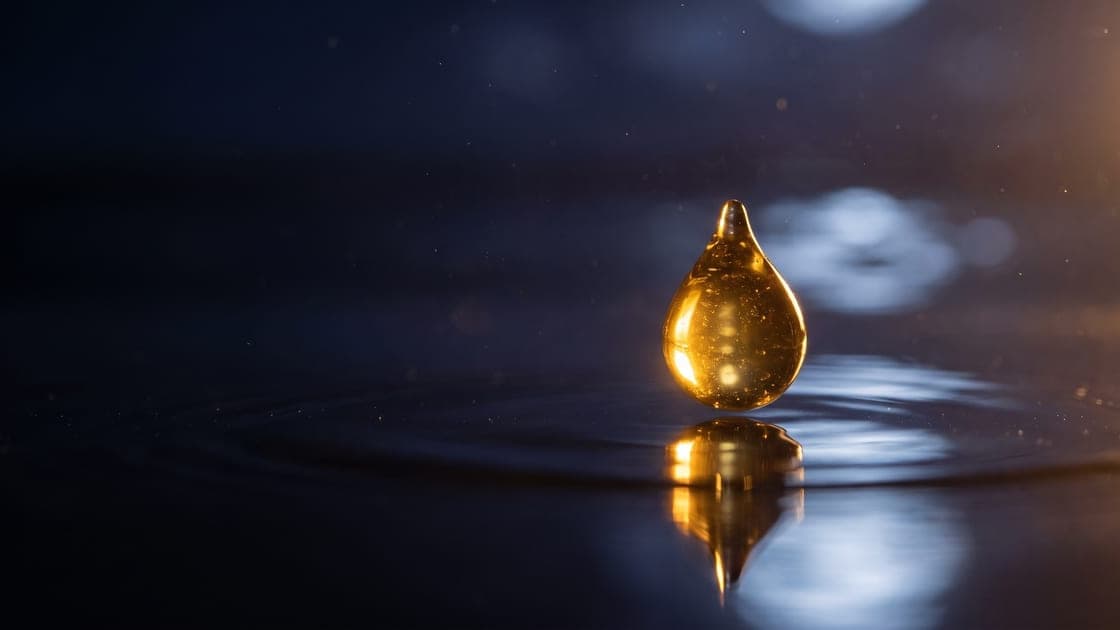
LUMEN · Sérum de nocheProduct advert · 0:21 · In Spanish, with English subtitles
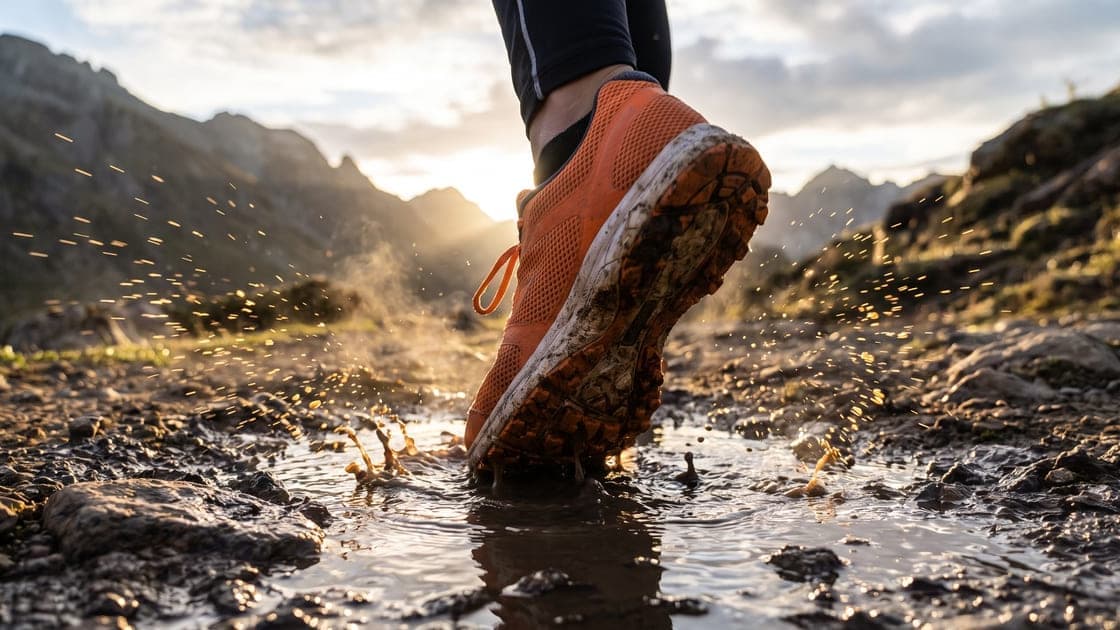
VÉRTICE Trail · ZapatillasProduct advert · 0:27 · In Spanish, with English subtitles
What it costs
The Creador plan (€49 a month) gives about 2.2 minutes of finished film a month: several 20-second product pieces. If you sell many products or run seasonal campaigns, Pro (€149, about 7 minutes). A free 18-day trial. Prices exclude VAT.
What AI doesn't do well yet
AI can change small letters, labels or details of the packaging. If in your sector the product must look identical (food with its legal label, cosmetics with their ingredients), use Utopia for the settings and the moments of use, and edit real shots or photos of the product on top.
Frequently asked questions
- Does it respect what my product looks like?
- It uses it as a reference in every picture and every shot, and usually keeps its shape, colour and materials. Small text and labels can vary: for a close-up of the packaging, a real photo is better.
- Can I make it for every social network?
- Yes: vertical for Reels, TikTok and Shorts, and landscape for YouTube and your website, with direct upload to YouTube and links to share.
- Do I need to know about video?
- No. Beginner mode guides you from one sentence and picks the models for you; Professional mode lets you control each shot.